The family money app for kids 5 to 12
Nothing to sign up for.
Everything to learn.
KiddoCoin teaches kids to save, spend and invest with a play currency you control. It's absolutely free, with no ads, no tracking, no cloud storage and no logins.
- Free
- No ads
- No tracking
- No cloud
- No logins
For iPhone and iPad.
Our five promises
Built for your kids, not for advertisers.
Most kids' apps make money from your family somehow. KiddoCoin doesn't, so there's nothing to hide.
Absolutely free
No subscription, no in-app purchases, no premium tier.
No ads
Nothing in the app is trying to sell your kids anything.
No tracking
No analytics, no advertising IDs, no data collection.
No cloud storage
Every balance and goal is stored only on your device.
No logins
No email, no password, no account. Just your parent PIN.
How it works
Real money lessons in three steps.
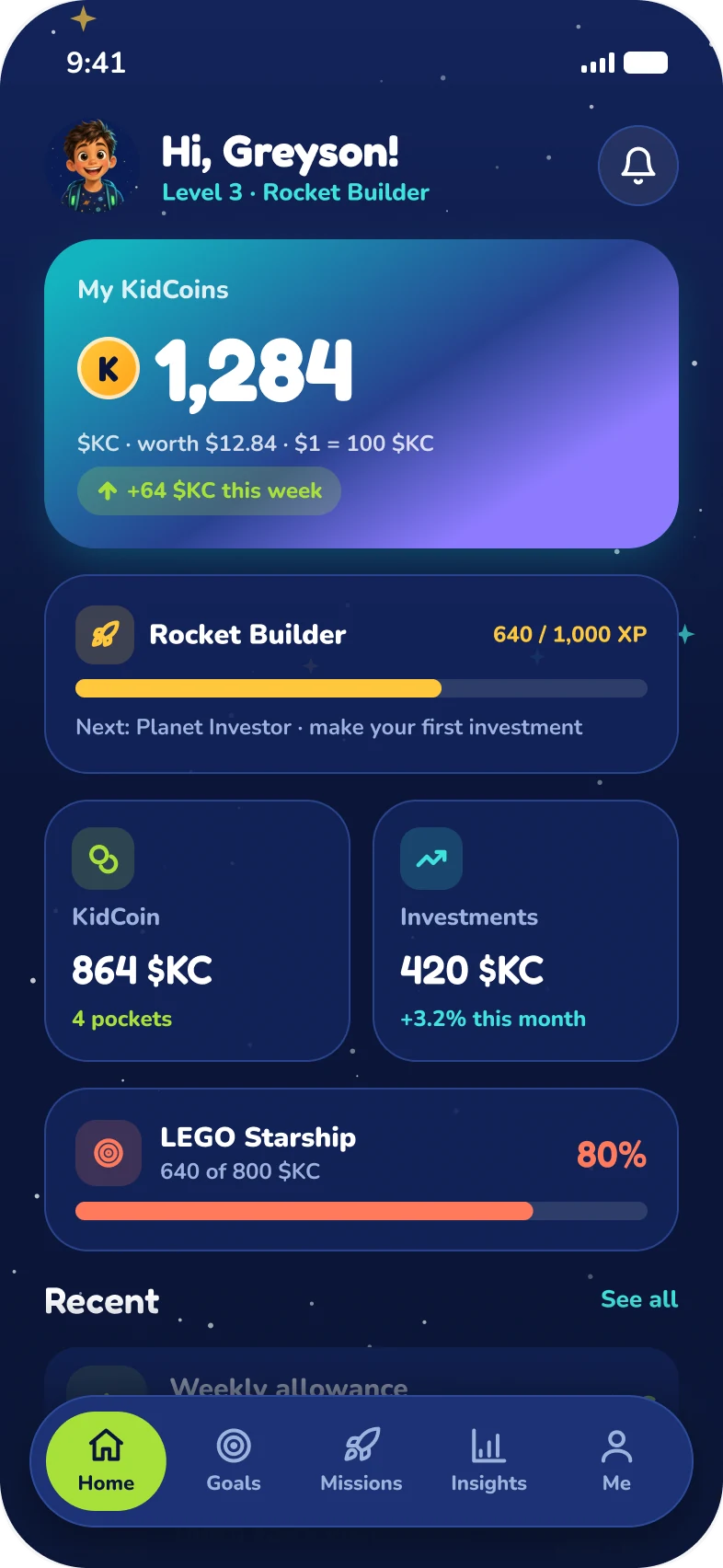
KiddoCoins stand for the real money you hold for your kids. You set the rate, 100 $KC = $1 to start.
- 1
Set up your family
Add your kids, pick their avatars and themes, and create your parent PIN. No account, no email.
- 2
Kids earn and save
Add allowance, birthday money and Tooth Fairy visits, or let rules pay allowance automatically.
- 3
They ask. You PIN.
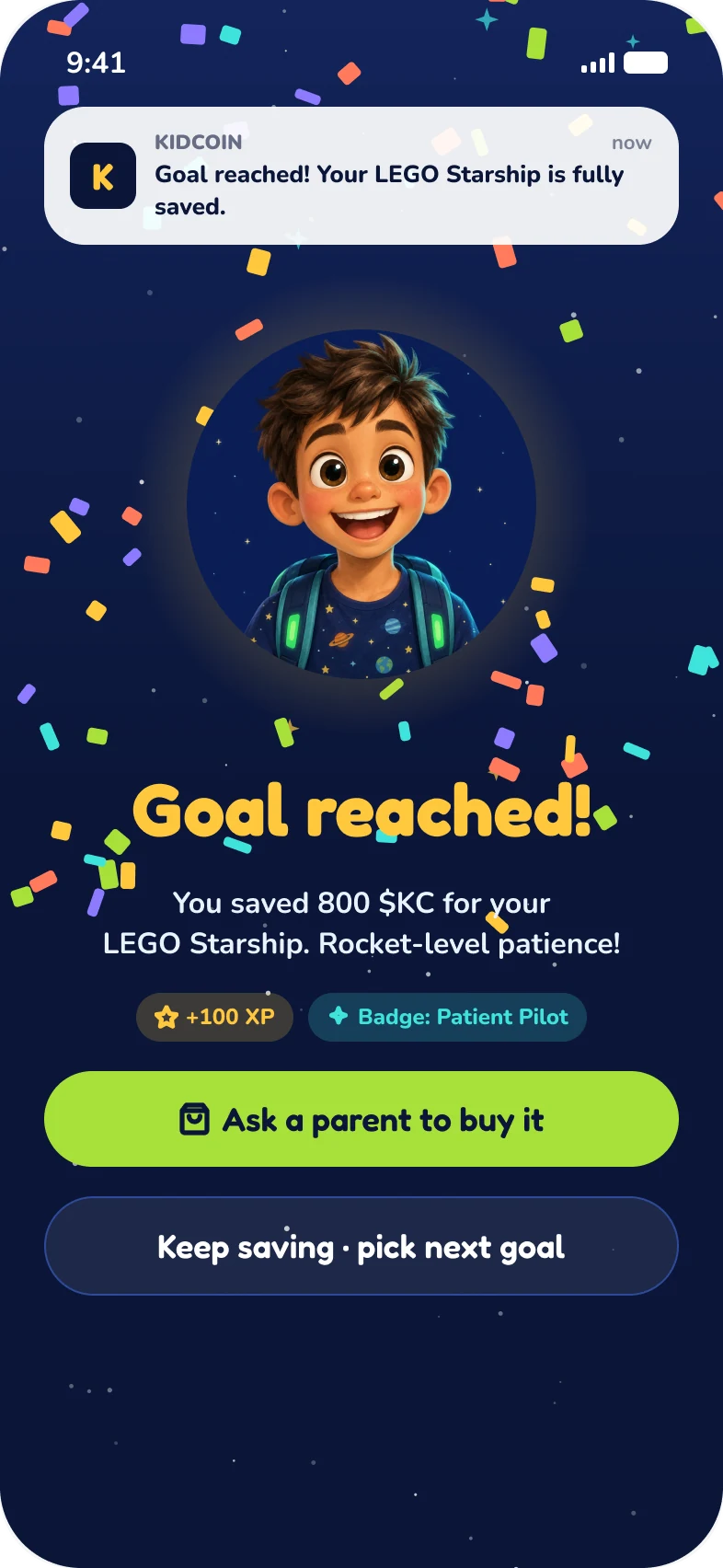
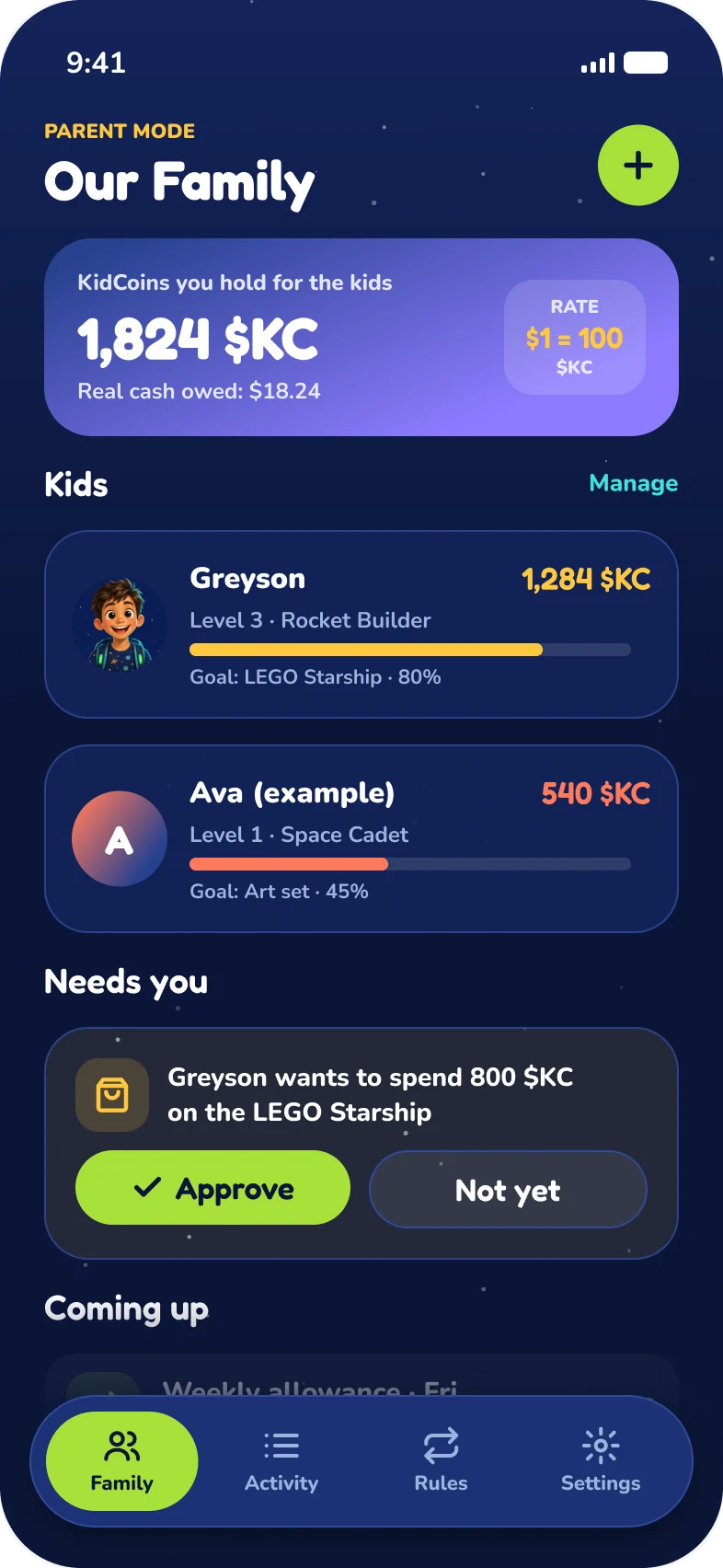
When a goal is reached, your kid hands you their device. Enter your PIN and approve it right there.
Approvals
They ask. You PIN. Done.
Your PIN is the only key to the parent controls. There's no second app to install and no accounts to link: approvals happen on the device in your kid's hands.
- Set a parent PIN the first time you open parent mode
- Your kid taps “Ask a parent to buy it” and hands you the device
- Enter your PIN, approve, and hand it back
- They get a notification that you said yes
KIDDOCOIN · now
Yes! LEGO Starship is approved
A grown-up said yes. 800 $KC came out of your pockets to pay for it.
Features
Everything a family needs. Nothing it doesn't.
For kids
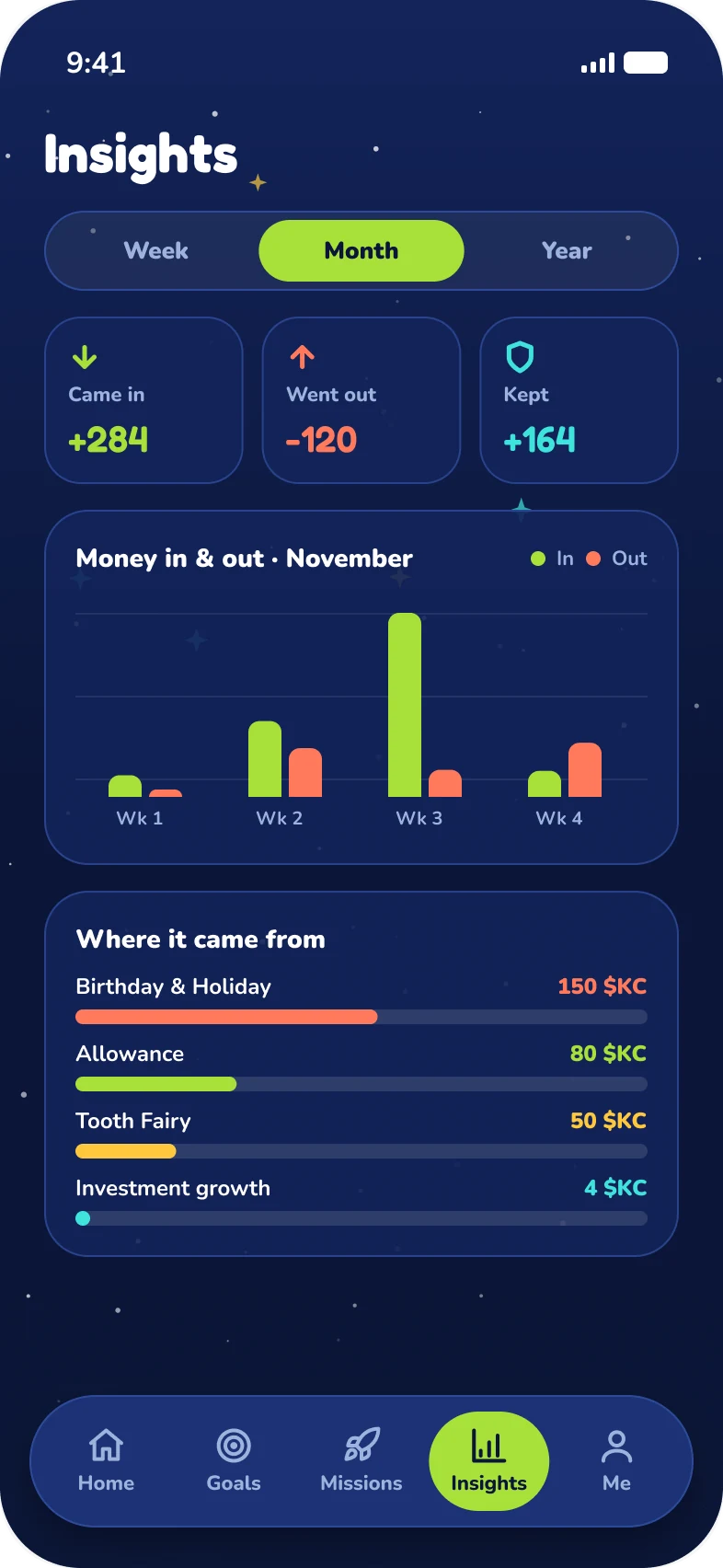
- Daily totals and line charts of their KiddoCoins
- Goals with progress bars and a celebration when they get there
- Move their own KiddoCoins between pockets
- Invest in Stocks, Bonds and Money Market
- Levels, missions and a bell for good news
For parents
- Several kids, each with their own avatar, theme and history
- Allowance on autopilot: weekly or monthly rules
- Categories you control, like Chores or Tooth Fairy
- Approve or decline purchase requests
- Erase exactly the data you choose, any time
Investing
Watch money grow, one day at a time.
Kids can put KiddoCoins into three investments and see what happens. You set the yearly rates. It's a simulation, so nothing real is at risk.
Stocks
8%
a year on average. Moves up and down every day, so kids learn that patience pays.
Bonds
4%
a year on average. Smaller ups and downs, slower and steadier growth.
Money Market
4%
a year, paid on the 1st of every month. It never goes down.
Default rates shown. Parents can change each rate in Settings.
Private by design
Your family's data never leaves the device.
- Balances, goals and history live in one file on the device, excluded from iCloud backup.
- Your PIN is stored securely in the device's Keychain and never leaves it.
- There's no server to hack, because there is no server.
- App Store privacy label: Data Not Collected.
FAQ
Questions parents ask.
Is it really free?
Yes. No subscription, no in-app purchases and no ads.
Where is my kid's data stored?
Only on the device, in a file that isn't backed up to iCloud. Nothing goes to a server, because there isn't one.
Why is there no login?
You don't need one. Your PIN protects the parent controls, and there's no account for anyone to break into.
Can I manage my kids from my own phone?
Approvals happen on the device your kid is using: they hand it to you and you enter your PIN. Each device keeps its own records, since nothing is synced.
What if we lose the device?
The records are only on that device, so they go with it. That's the trade-off for keeping everything off the cloud.
Is the investing real?
No. It's a simulation with rates you choose, so kids can see how Stocks, Bonds and Money Market behave over time.
Give your kids a head start.
Not their data.
Coming soon to the App Store for iPhone and iPad. No ads, no tracking, no cloud, no logins.
Coming soon to the App Store